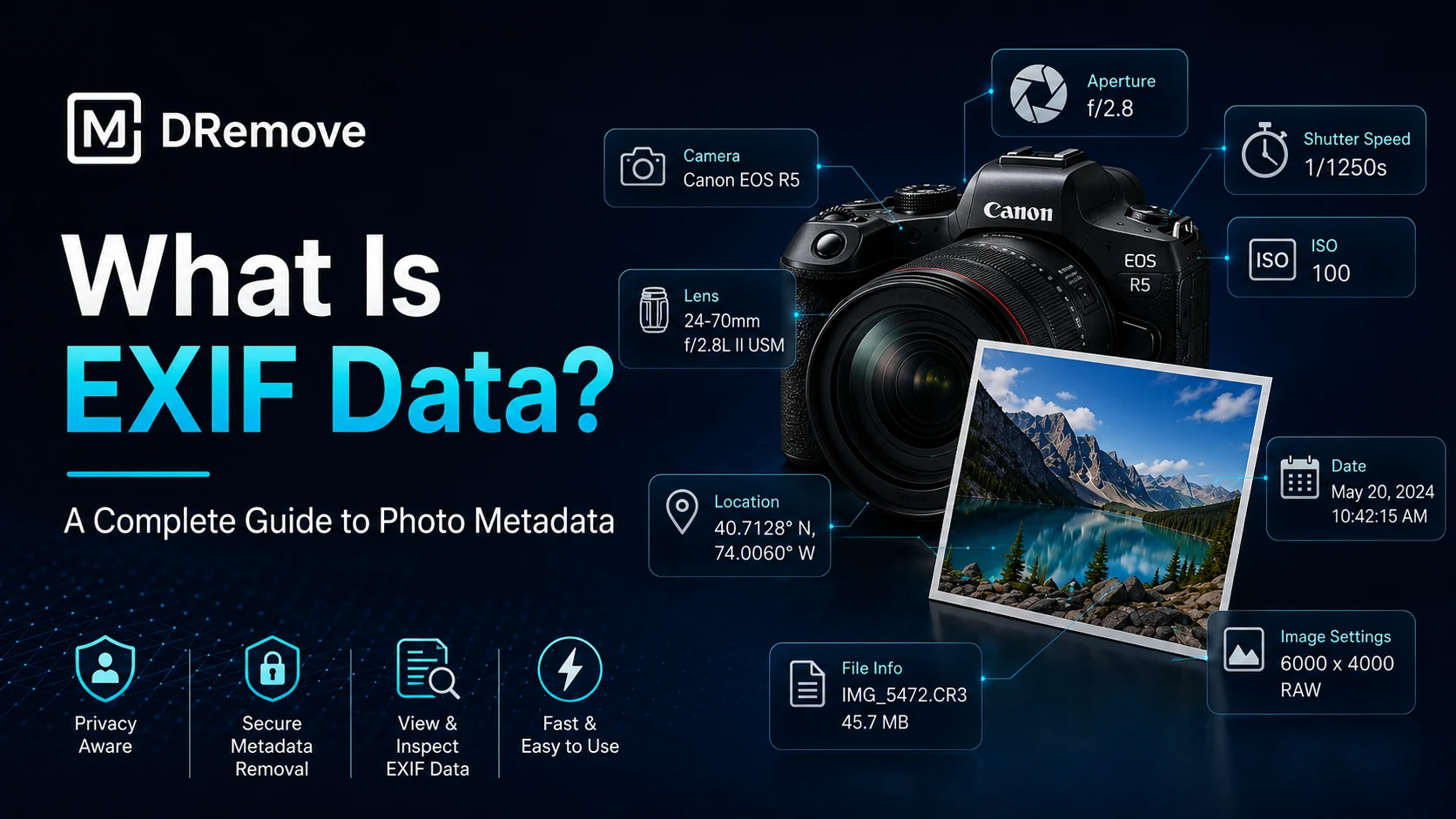
Every photo can carry hidden information that is not visible in the image itself. This hidden layer is called metadata, and EXIF is one of the most common forms of metadata in photos.
EXIF data can describe the camera, phone, lens, capture date, exposure settings, image orientation, GPS coordinates and the software used to save or edit the file.
What does EXIF data contain?
EXIF metadata can include technical, location and workflow fields. Not every image contains every field, and many platforms remove some fields during upload or download.
- Camera make and model
- Lens model, focal length and aperture
- Shutter speed, ISO and flash status
- Date and time when the image was captured
- GPS latitude, longitude and altitude when location was enabled
- Image orientation, dimensions and color information
- Software used to edit, resize or export the image
Common EXIF tags and what they mean
| Tag | Meaning | Why it matters |
|---|---|---|
| Make / Model | Camera or phone manufacturer and model | Helps identify capture device |
| DateTimeOriginal | Original capture timestamp | Useful for timeline review |
| GPSLatitude / GPSLongitude | Location coordinates | Can reveal where a photo was taken |
| ExposureTime | Shutter speed | Shows capture conditions |
| FNumber | Aperture value | Helps explain depth of field |
| Software | App that saved or exported the file | Can reveal editing workflow |
Where does EXIF data come from?
Your device writes EXIF automatically when a photo is created. Camera apps, editing tools and export workflows may add, change or remove fields later.
When a file moves through messaging apps, websites or social platforms, some metadata may be stripped to reduce file size or protect privacy.
The privacy risk
The biggest risk is location. A harmless-looking image can contain GPS coordinates, capture time and device details. For private photos, work documents or sensitive publishing, these fields should be reviewed before sharing.
Before publishing a photo, check what the file says about you beyond what the image shows.
How to view EXIF data
Upload the image to mdremove and review the metadata report. Look for camera fields, date fields, GPS values, software names and file identifiers.
How to remove EXIF data
After reviewing the report, download a clean version of the file. A cleaned copy helps reduce normal EXIF, GPS and software fields before you share the image.
EXIF across different file formats
| Format | Metadata behavior |
|---|---|
| JPG / JPEG | Commonly stores EXIF, GPS, XMP and camera fields |
| PNG | May contain text chunks and software metadata |
| WEBP | Can contain EXIF or XMP depending on export workflow |
| TIFF | Often stores detailed image and camera metadata |
| GIF | Usually limited metadata, but comments may exist |
Key takeaways
EXIF data is useful, but it can expose private details. Check images before publishing, especially when location, device identity or timestamps could matter.
For safer sharing, inspect the file first, then download a clean copy when you do not want hidden metadata to travel with the image.